








Live Tap & Scan Touchpoints for Hospitality & Retail

Turn first-time customers into regulars, and regulars into fans. It all starts with a tap.

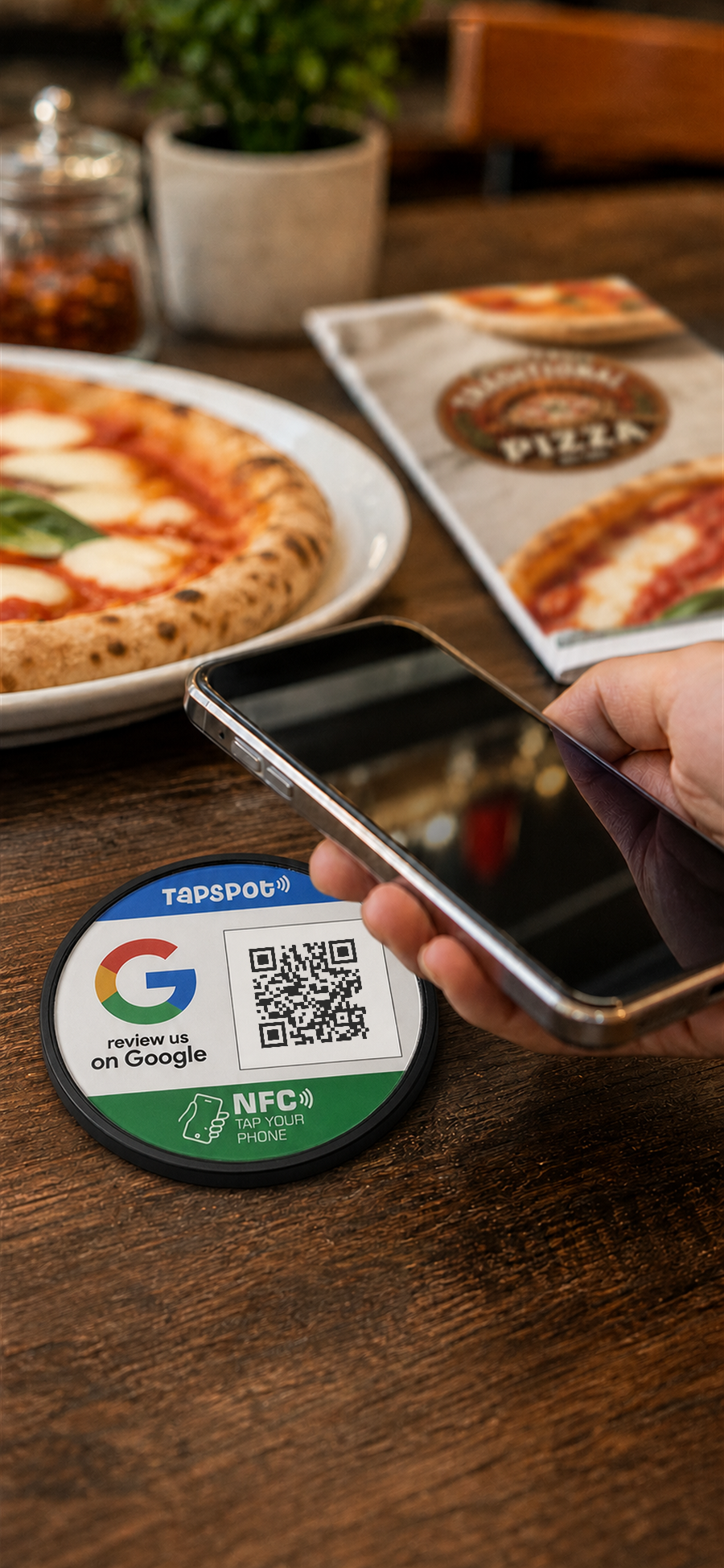
TapSpot turns tables, counters, posters, and packaging into smart touchpoints. Run loyalty programs, collect reviews, and share a branded multi-link page from one TapSpot QR or NFC Dot.

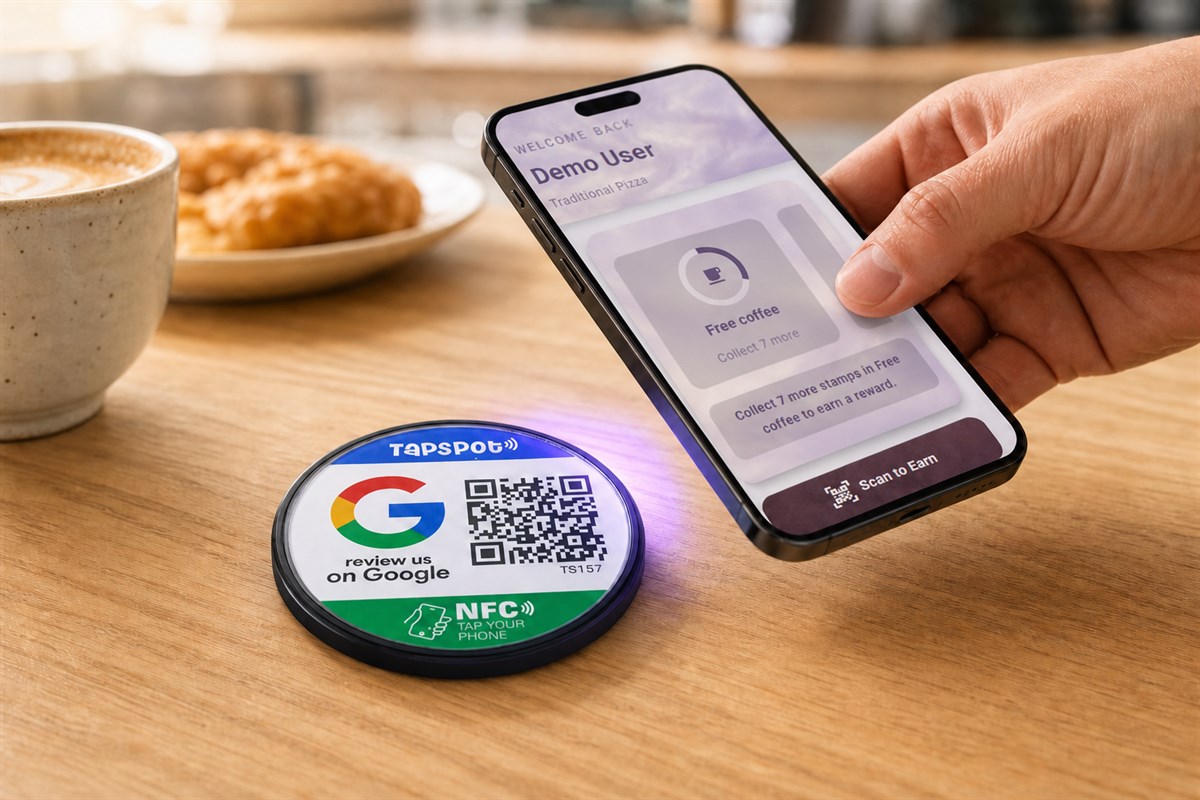
A customer tapping a phone over a TapSpot touchpoint while viewing the Traditional Pizza loyalty programme
Image Description
Meet
tapspot

TapSpot combines dynamic QR codes, NFC taps, and simple software to connect the physical world to online customer actions. From one TapSpot, customers can join your loyalty program, leave a review, view your menus, visit your branded multi-link page and more.

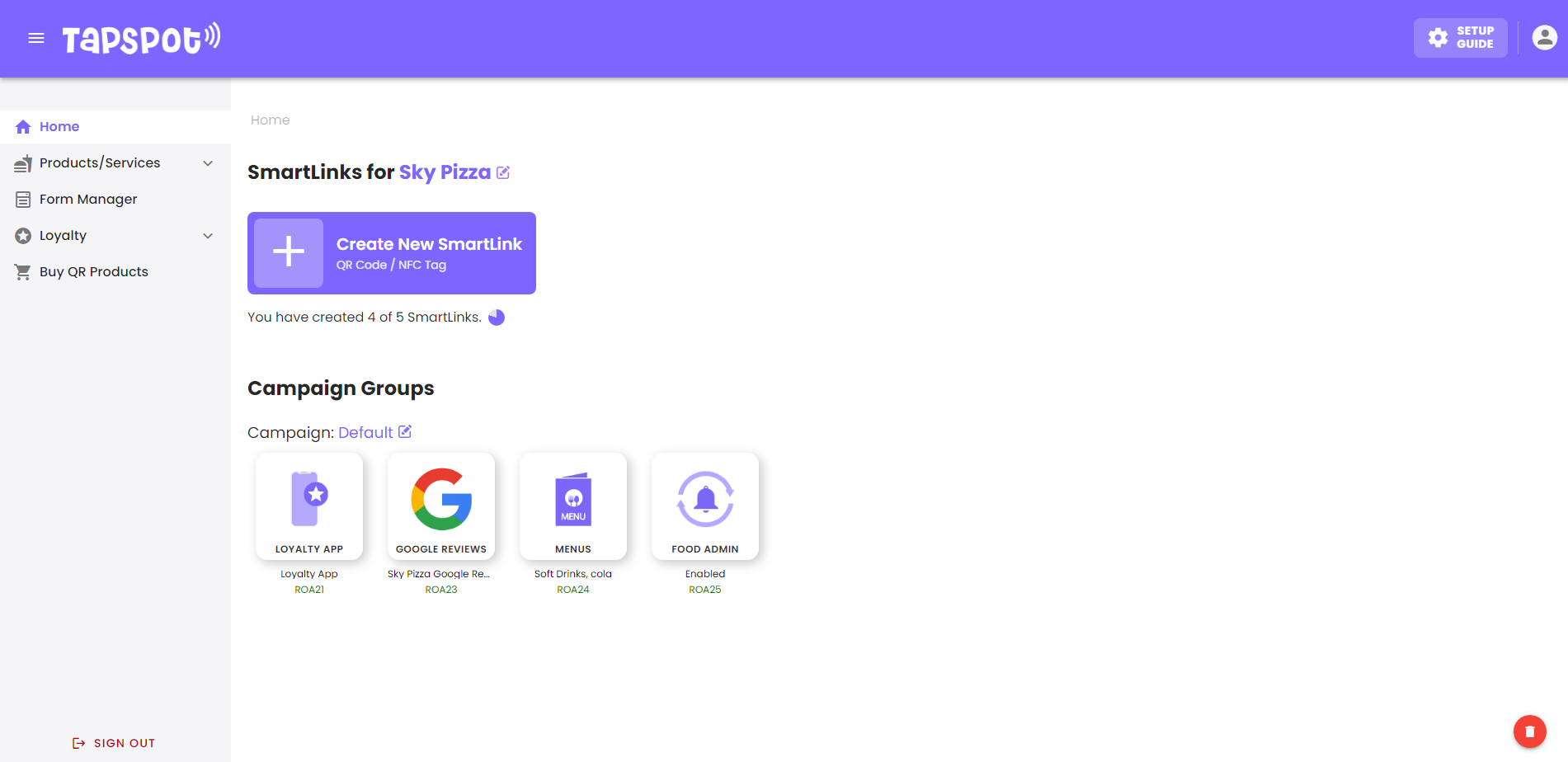
TapSpot staff dashboard showing SmartLinks and campaign groups

Staff Dashboard

Put TapSpot on a table, counter, receipt, poster, or product - customers scan or tap, then go exactly where you want. You stay in control from one dashboard.

And because TapSpot uses dynamic links, you can update where everything points any time, without printing new QR cards, posters, or labels.

  • Launch loyalty and rewards that bring customers back
  • Collect more 5-star reviews while the experience is still fresh
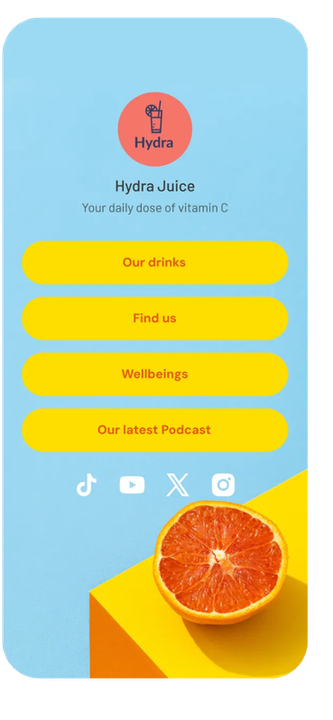
  • Share a multi-link page for menus, offers, socials, bookings, and more
  • Update destinations any time without printing new QR codes

NO CARD REQUIRED

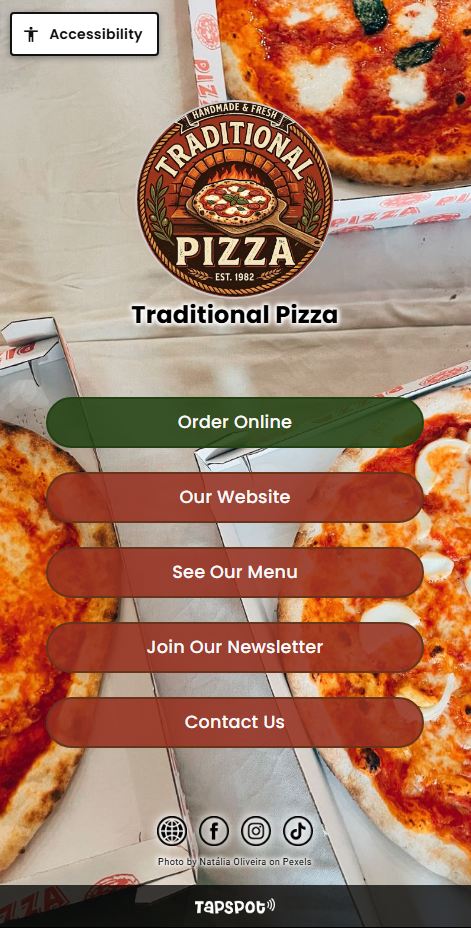
TapSpot customer experience page for Traditional Pizza

Customer Experience

Loyalty That Brings Customers Back

Replace paper loyalty cards with smart digital rewards.

Customers join in seconds with a tap or scan - You can change rewards any time from one dashboard.

Most loyalty systems fail because they add friction. Customers forget paper cards, and staff don’t want more admin. TapSpot Loyalty is built around the touchpoints you already use, so customers can join, earn, and redeem rewards with minimal effort.

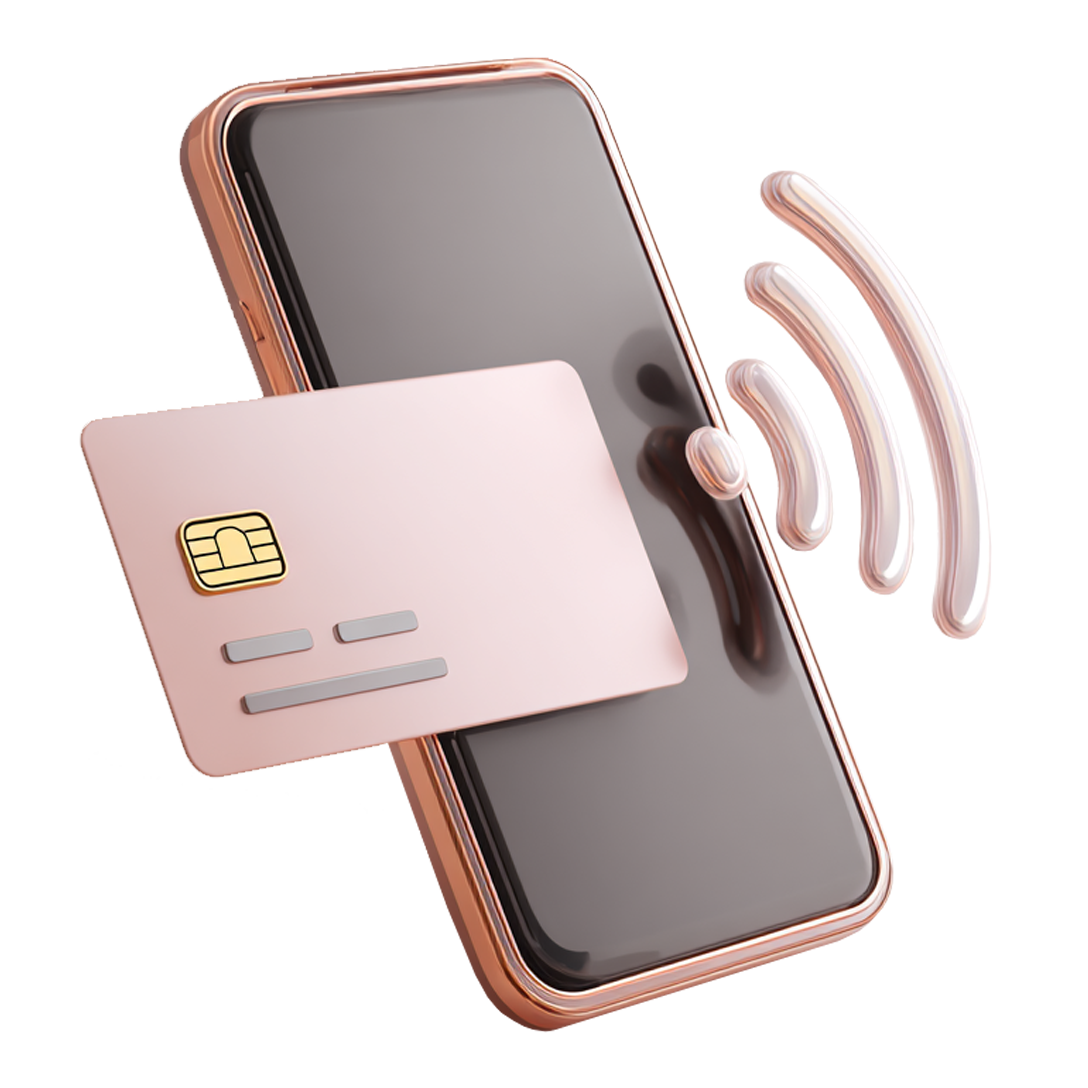
Contactless card tapping a mobile phone

STEP 1: JOIN

Customers join your loyalty program by scanning a QR code or tapping an NFC Dot.

Open shop sign

STEP 2: EARN

Customers earn rewards based on your rules, such as visits, purchases, or specific actions.

Reward vouchers with cake and coffee

STEP 3: REDEEM

Customers redeem rewards in the way that suits your business.

Image Description

Reward loyalty. Increase repeat visits.
Keep customers coming back.

Get More 5-star Reviews

Make it effortless for customers to leave a review with a tap or scan.

01

Place your TapSpot touchpoint

Place a TapSpot Dot where customers already pause - like tables, counters, receipts, posters, or packaging. Print it once, - update it any time.

02

Customers tap or scan

No app required. Customers scan the QR code or tap the Dot with their phone.

03

Reviews on your chosen platform

Send customers straight to Google, TripAdvisor, Yelp, or any review link you choose. No searching. No friction.

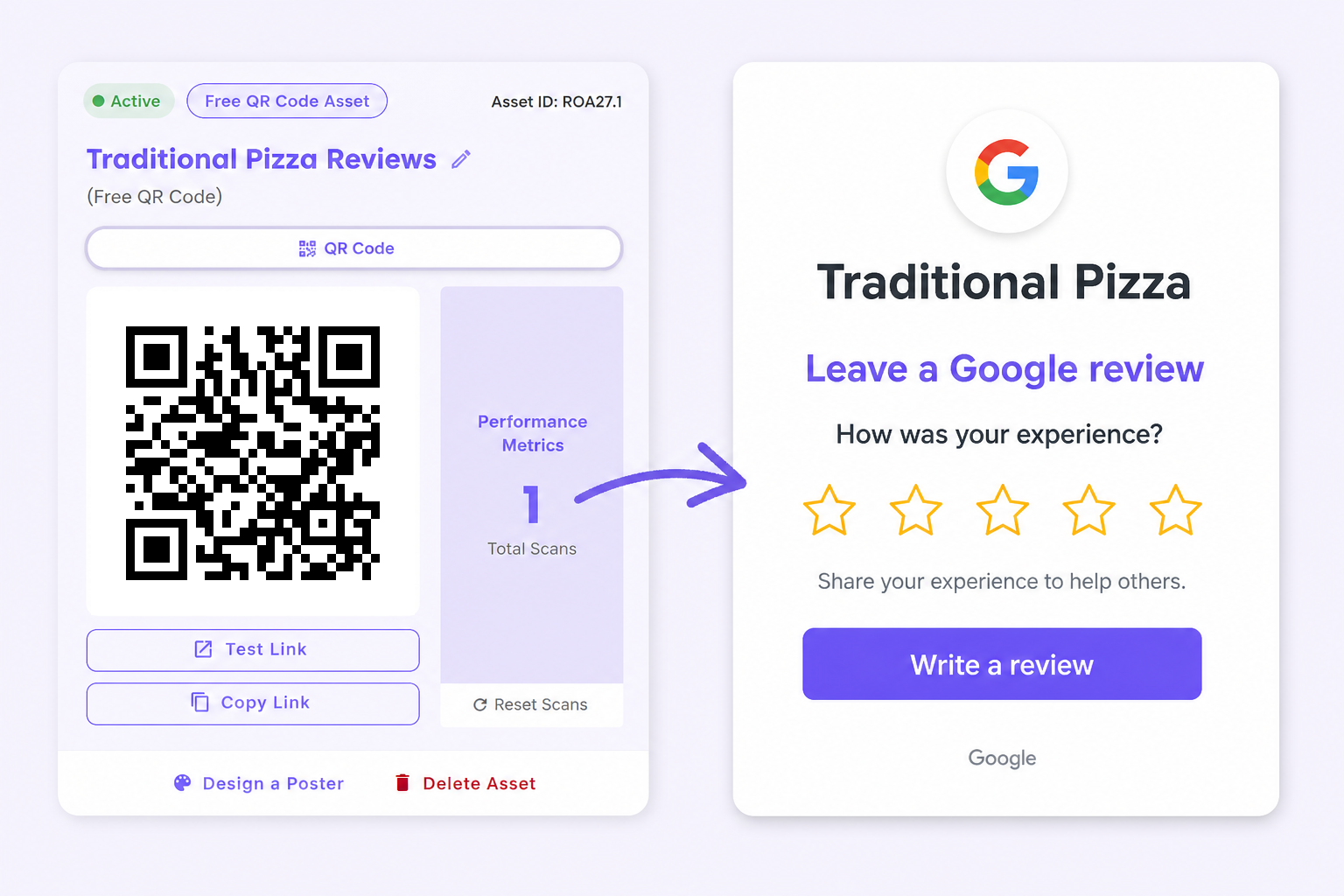
TapSpot QR code leading to the Traditional Pizza Google review page

Most businesses don’t have a review problem - they have a timing problem. Customers are happiest in the moment, but the review request comes later (if at all!) TapSpot helps you ask at the right time, with a simple tap or scan that takes customers straight to the review page you choose. Need to change the link? Update it in seconds without printing new QR cards.

8 MIN SETUP
Or anywhere
else

TapSpot is designed to be simple to start and easy to expand.

Begin with the essentials, then unlock more businesses, staff access, and advanced controls when you need them.

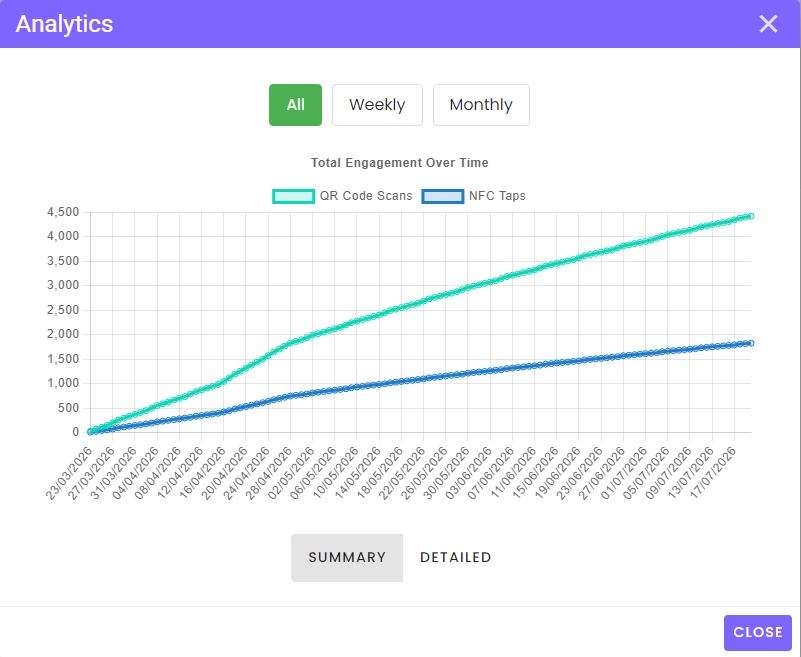
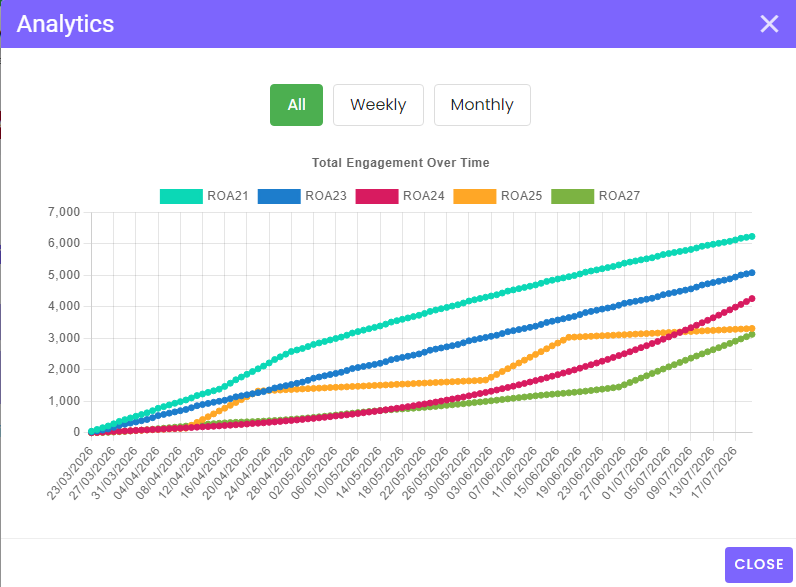
Analytics that tell you what gets used

See what customers are actually engaging with.
Analytics graph comparing QR code scans and NFC taps over time
  • QR scans vs NFC taps
  • Top links clicked
  • In‑venue location stats
Analytics graph comparing engagement across five TapSpot tags
  • Campaign performance
  • Location metrics
  • Time & trend insights

How TapSpot works...

From tap to action in minutes

Start free, create your first touchpoint, then track what customers actually do. No card required.

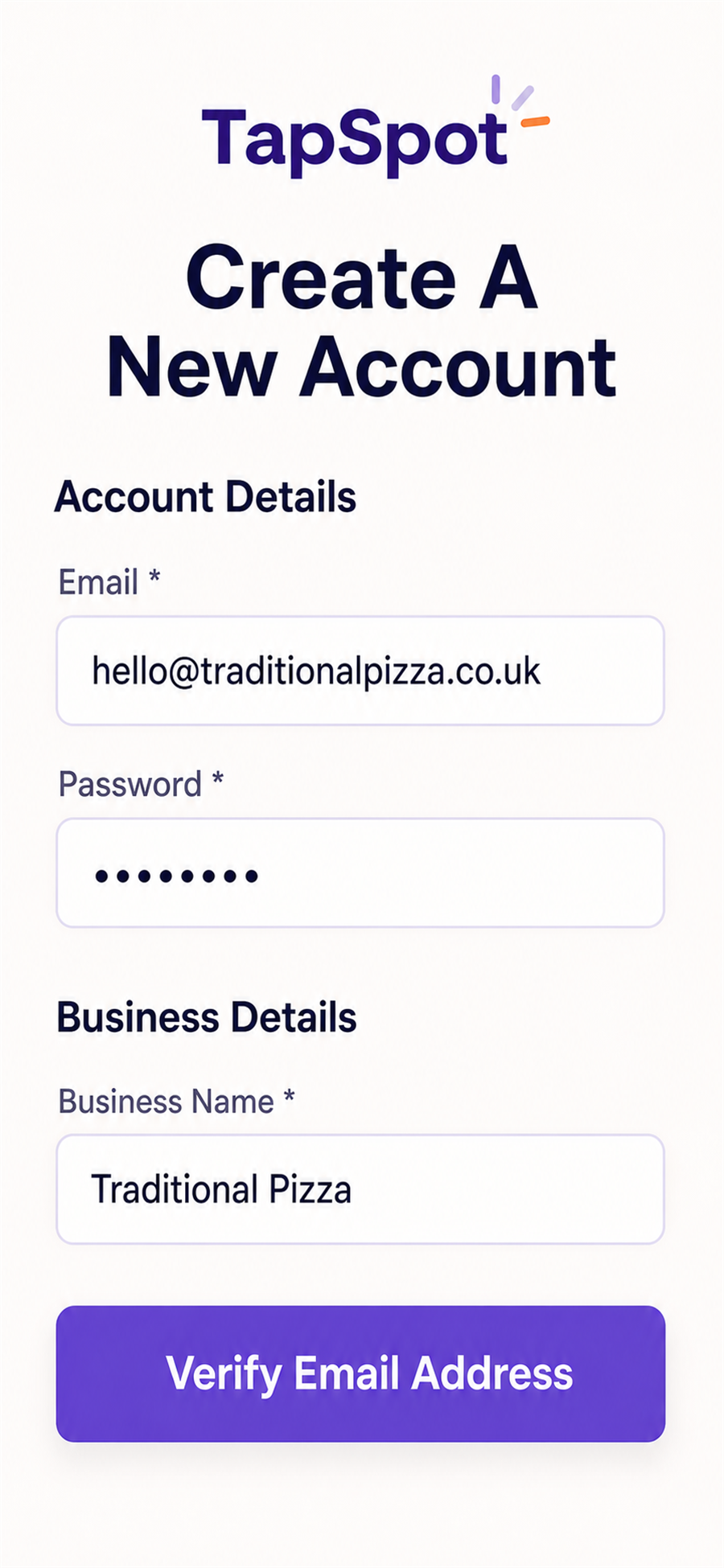
TapSpot onboarding wizard screen STEP 1

Create your account

Start free, with no card details required. The Onboarding Wizard will walk you through it step-by-step.

Customers tap/scan, then take the action you want them to.

No searching. No confusion. Just better interactions.

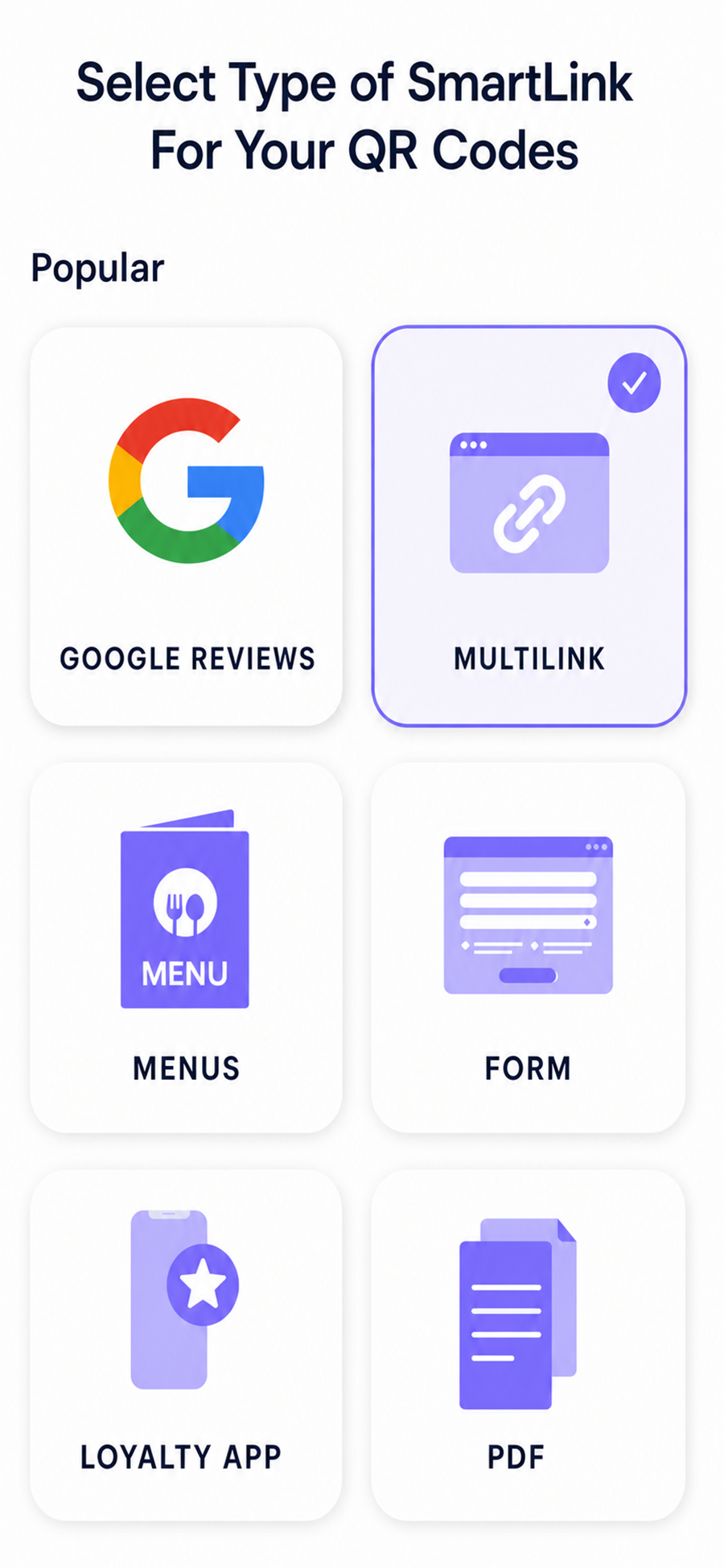
TapSpot SmartLink type selection screen STEP 2

Build your first touchpoint

Choose the action you want customers to take:

  • Join your loyalty programme
  • Leave a review
  • Open your multi‑link page:
    Menu, offers, socials, bookings, and more

Turn each tap or scan into the customer action you choose.

Choose the action. Set the destination. You’re ready to go.

TapSpot Dots placed around a venue STEP 3

Place the Dots around your venue

Put TapSpot Dots where customers already spend time or pause: tables, counters, receipts, posters, packaging, and more.

Place each TapSpot where customers are most likely to take action.

The right action, in the right place, at the right moment.

TapSpot is built for busy teams and small independents. You can get set up quickly, start with one use case — loyalty, reviews, promos etc. — then expand as you go.

Pricing

Start free, then scale when you’re ready

Monthly Yearly Save 20% with yearly

Basic

Free forever – no payment needed

£0

  • Single user
  • 1 business profile
  • 5 active dynamic QR/NFC links
  • 2 Multi‑link Pages
  • 500 scans/mo

Small Business

Everything in Basic plus…

£26/mo

  • Single user
  • 5 business profiles
  • Unlimited dynamic QR/NFC links
  • 5 Multi‑link Pages
  • Unlimited Region/Area Management
  • Campaign Management
  • 3 role‑based permissions
  • Poster Generator for QR Codes
  • Discounts for Accessories

Enterprise

Everything in Small Business plus…

£50/mo

  • Multi user
  • Unlimited business profiles
  • Unlimited dynamic QR/NFC links
  • Unlimited Multi‑link Pages
  • Unlimited Region/Area Management
  • Hierarchical Management
  • Unlimited role‑based permissions
  • Advanced Food & Allergen system
  • Largest Discounts for Accessories

FAQs

Everything you need to know before you start

No. Customers can scan with their phone camera or tap an NFC tag.

Takes about 8mins to get your first touchpoint live

Turn taps & scans
into repeat customers

Run loyalty, collect reviews, and share a branded multi‑link page from one QR and NFC platform.